
Funcular Labs
Synced passwords in Dropbox and OneDrive
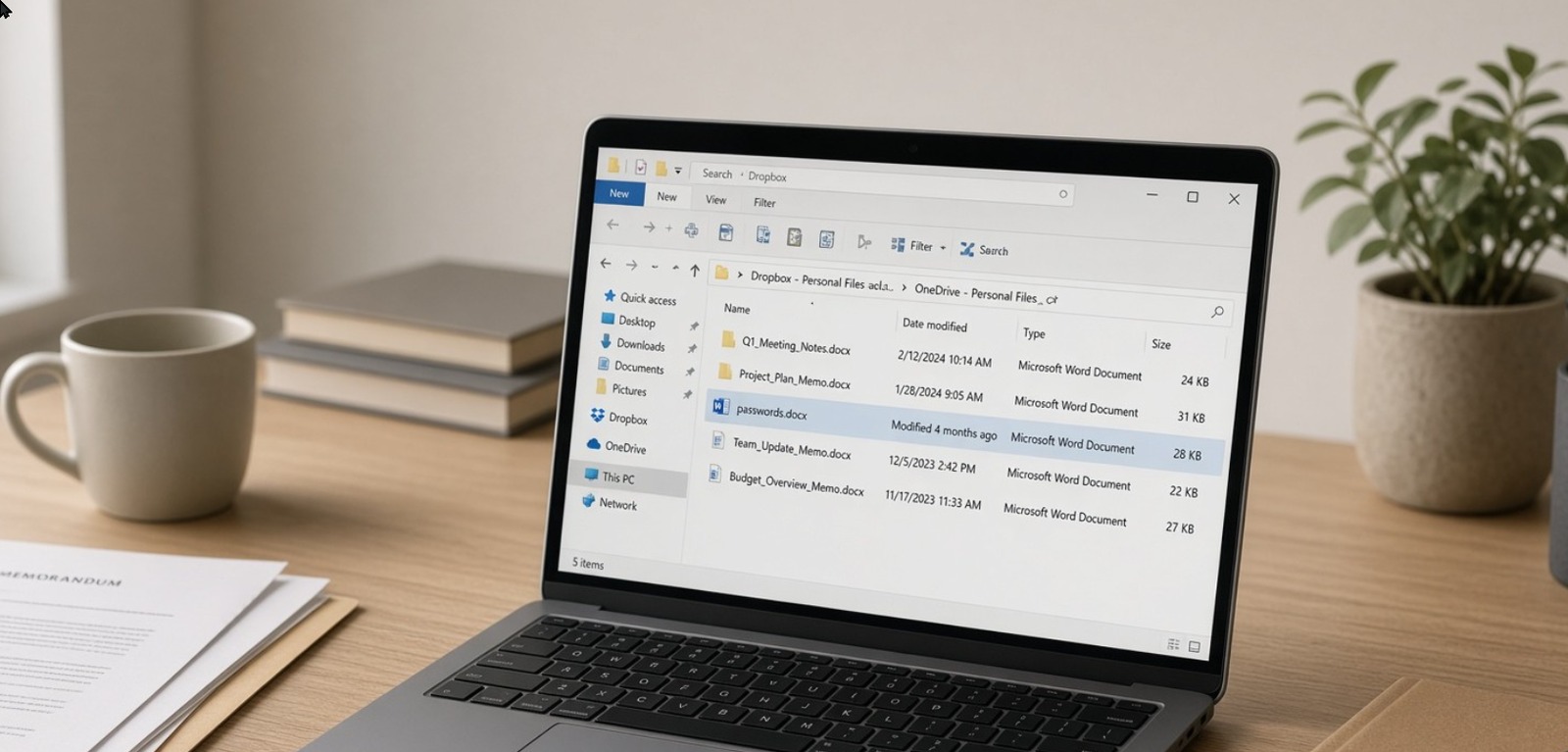
Somewhere in your OneDrive, Dropbox, Google Drive, or SharePoint tree sits a file named passwords.docx — or passwords.xlsx, or secrets.txt — and the sync client treats it like any other memo. The bytes stay readable for anyone who inherits the folder, opens an old share link, or picks up a laptop that still has the client signed in.
Markdown Midget edits markdown on Windows with WordPad-style menus, keeps a .md on disk, and uploads nothing from your PC. Choose File ▸ Encrypt Document…, type the password twice, and read the orange warning: there is no recovery if you forget it. The editor writes a .mdenc file; the decrypted text lives only in memory while you work. How the lock works is in the Secure Markdown post.
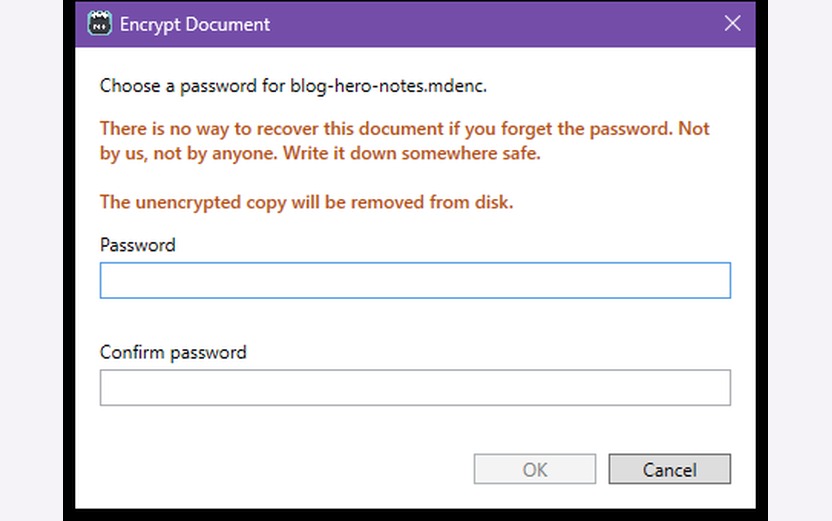
That path does not encrypt passwords.docx in place. Paste or rewrite the contents into Midget first, run File ▸ Encrypt Document…, then remove the readable Word, Excel, or text copy from the synced folder and from leftover local copies you still control.
What to do on your PC
- Get a build from the Markdown Midget Releases page.
- Move the notes into a markdown document in Midget.
- Choose File ▸ Encrypt Document…, set the password twice, read the orange warning.
- Confirm the synced folder no longer holds a readable copy of the same secrets.
One locked .mdenc does not retire old share links, SharePoint permissions, or the provider’s version history of the plaintext. Those sit outside the editor.
If that file is sitting in sync right now
You are not the first office to find a passwords.docx in Dropbox or OneDrive and feel the floor tip. The sync client did what it was built to do; the damage is the readable copies, the share links, and the machines still signed in.
If you want a calm second set of eyes, send a note through Contact Us. Tell us which provider holds the file, roughly how many PCs still sync it, and whether old links or contractors might still reach it. Funcular Labs will write back with a short memo on what to shut down first — or a clear no if we are the wrong shop for this one. That memo is the first deliverable. Anything past it gets a quote before kickoff. There is no rate card on this page.
The longer write-up lives on the Funcular Labs blog when it publishes; this page is the short door.